
Corsair Xeneon Edge Touchscreen Review
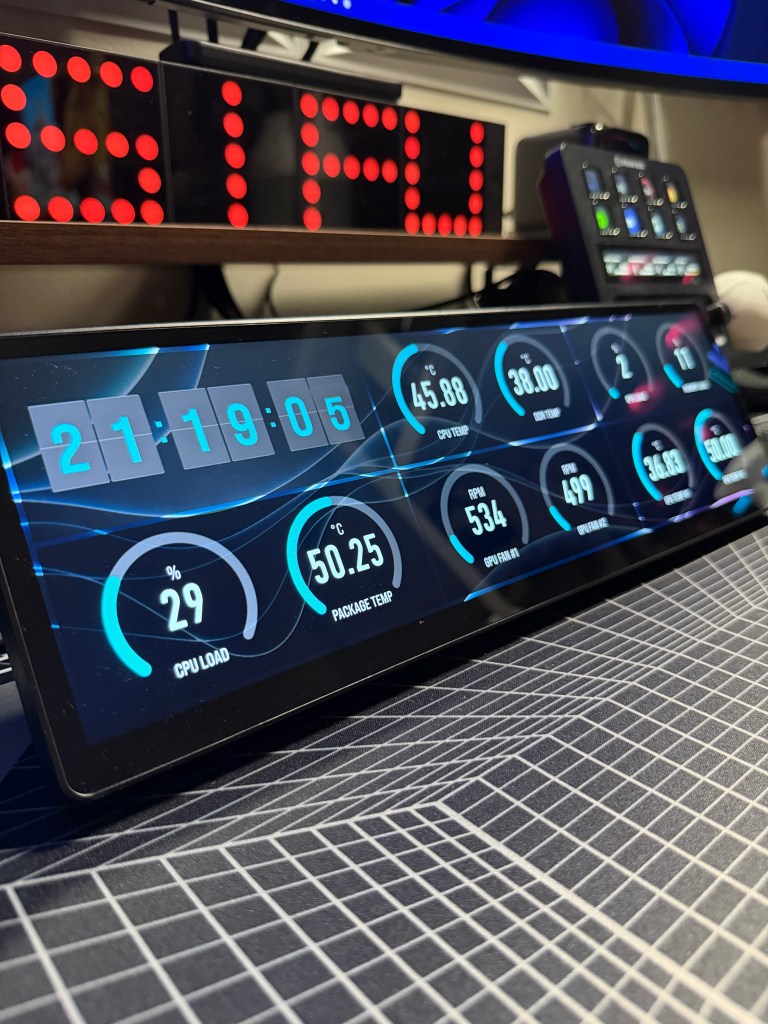
I bought the Corsair Xeneon Edge because I wanted something I could use to monitor CPU and GPU temps at a glance, while also giving me quick, easy shortcuts for work and everyday tasks. It’s not cheap, but Corsair is a brand I trust for build quality, so I went for it.
Affiliate disclosure: Some links may be affiliate links. If you buy through them, I may earn a commission at no extra cost to you.
Quick verdict
7/10 – It’s expensive for what it is, but the quality mostly justifies the price. The screen looks great, the touchscreen is genuinely excellent, and it’s brilliant for quick monitoring and multi-tasking. The software isn’t the best though, and the occasional glitch can require a reset (hopefully improved in future updates). Would I buy again? Yes.
Best for: anyone who wants a dedicated touchscreen for CPU/GPU monitoring and fast shortcuts without breaking focus.
Not for: anyone on a budget, or anyone expecting the software to be flawless 100% of the time.
Tested for: daily monitoring (CPU/GPU temps) plus shortcuts and multi-tasking during work and gaming.
Product photo
Official product link
Here’s the official Corsair product page (this is not an affiliate link).
Link checked: 22 Feb 2026.
How I use it
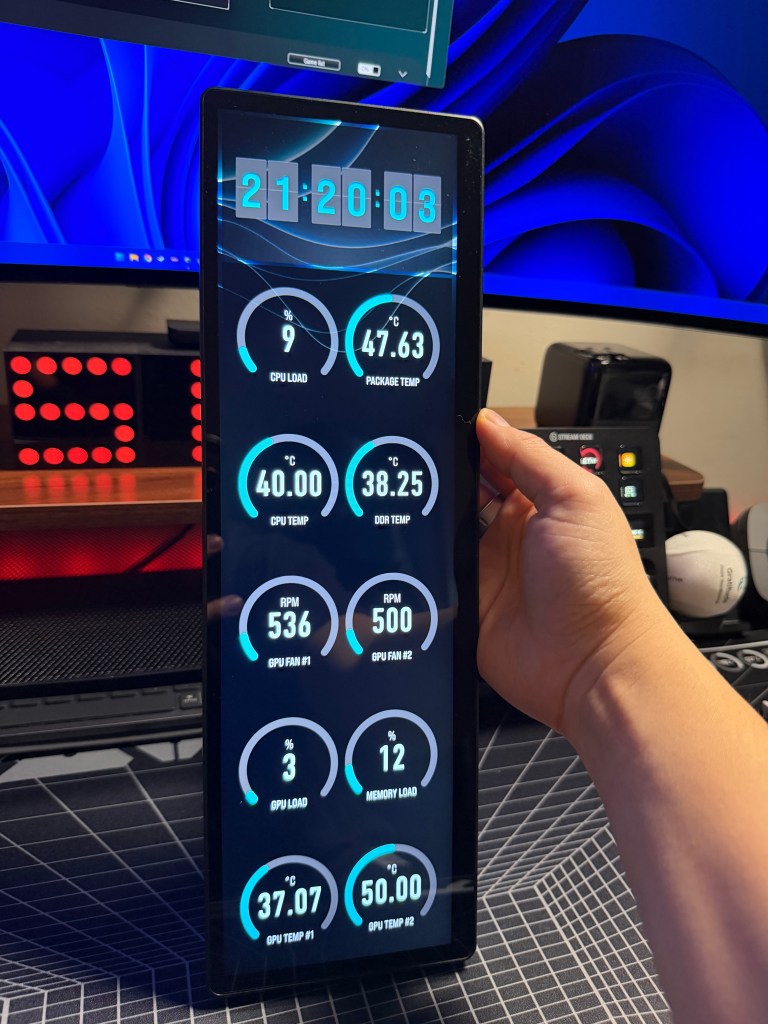
It’s treated as a third monitor, so it’s flexible and easy to work into my setup.
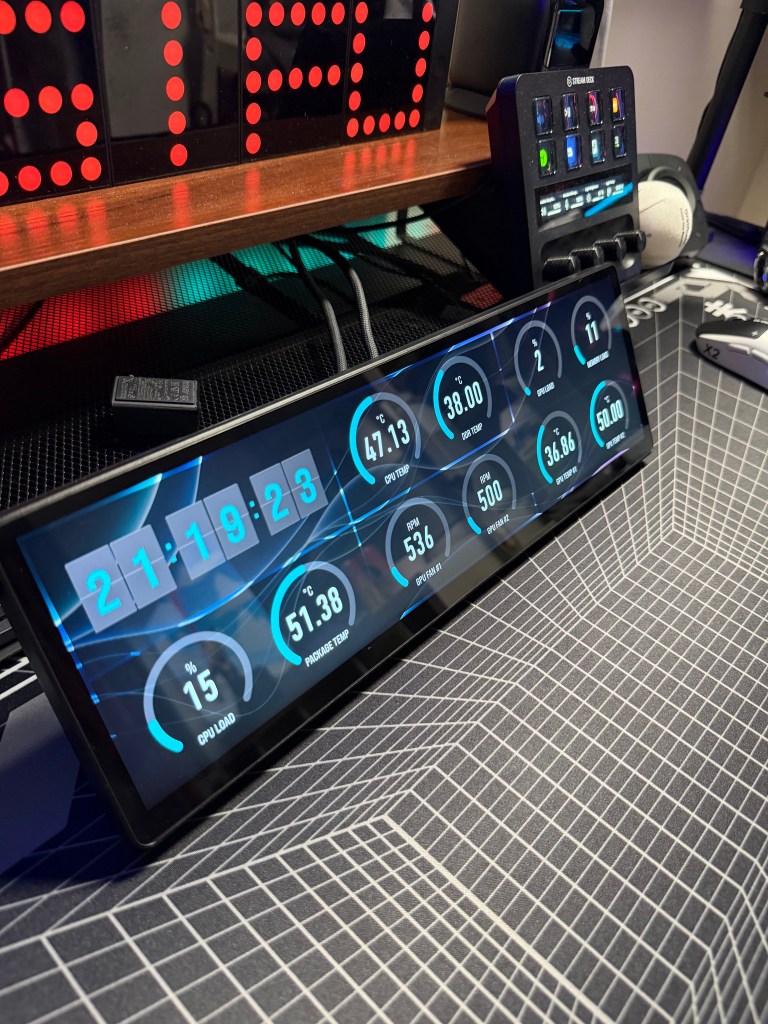
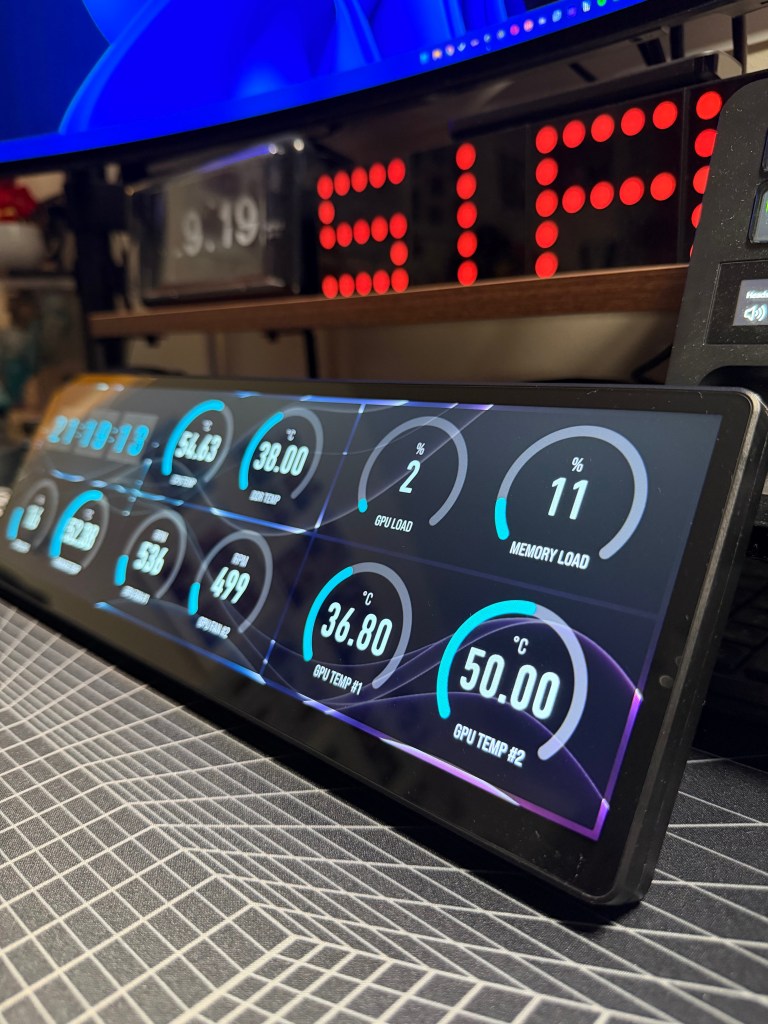
- Live CPU and GPU temps/usage so I can spot spikes instantly.
- Shortcuts for work (launch apps, quick actions, common folders).
- Extra screen space for dashboards, notes, timers, or anything I want parked.
Pros
- It’s Corsair, and the build quality is up there.
- If you already use Corsair products, the software can play nicely with everything in one place.
- High-quality display, and the touchscreen is genuinely great to use.
- Treated as a third monitor, so you can use it for practically anything.
- Easy to mount and place wherever it makes sense in your setup.
Cons
- For what it is, it’s expensive.
- The software can be glitchy at times (usually fixed with a reset), but it’s bearable.
- It’s a “nice to have”, not essential, so it won’t make sense for everyone.
Photos
Final verdict
I would buy this again. Yes, there are cheaper alternatives, but the touchscreen experience, screen quality, and the fact it works as a proper extra monitor makes it genuinely useful for both monitoring and multi-tasking. The software can occasionally fail and need a reset, but the overall quality of the product still wins me over, and it’s become one of those pieces of kit I actually use every day.
Next update: I’ll revisit this after a few more software updates and update the score if stability improves.
 SIFUTECHGAMING