
Best budget upgrades under £50 (that actually improve your setup)
If you want a cleaner, more premium-looking desk setup without spending loads, these are the upgrades that genuinely make a difference. No filler, no “cheap for the sake of it” — just the stuff that improves comfort, looks, and day-to-day use.
Best for: anyone wanting a cleaner setup fast, without changing major gear.
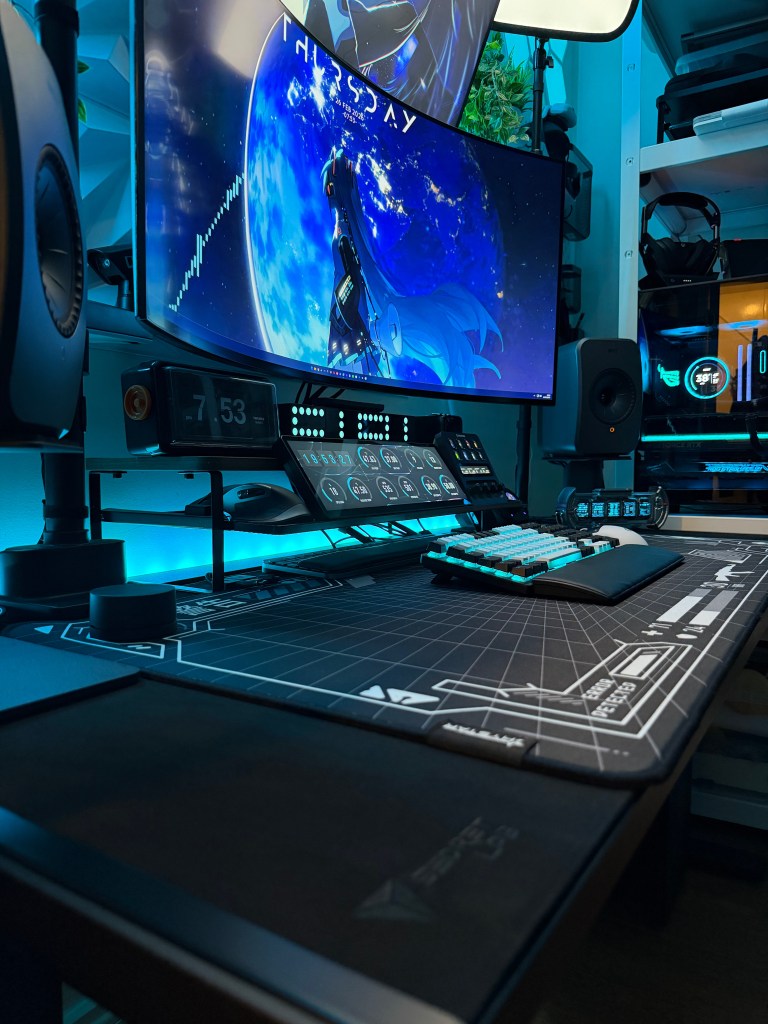
My current desk setup — the upgrades below are what made the biggest difference.
Affiliate disclosure: Some links may be affiliate links. If you buy through them, I may earn a commission at no extra cost to you.
If you only buy one thing
Magnetic cable clips + Velcro ties. My desk has built-in cable management, so these are what keep everything locked in place and make the whole setup look “finished”.
Best comfort upgrade
A decent desk mat (big enough for keyboard + mouse). Cleaner look, smoother mouse feel, and it protects the desk surface long-term.
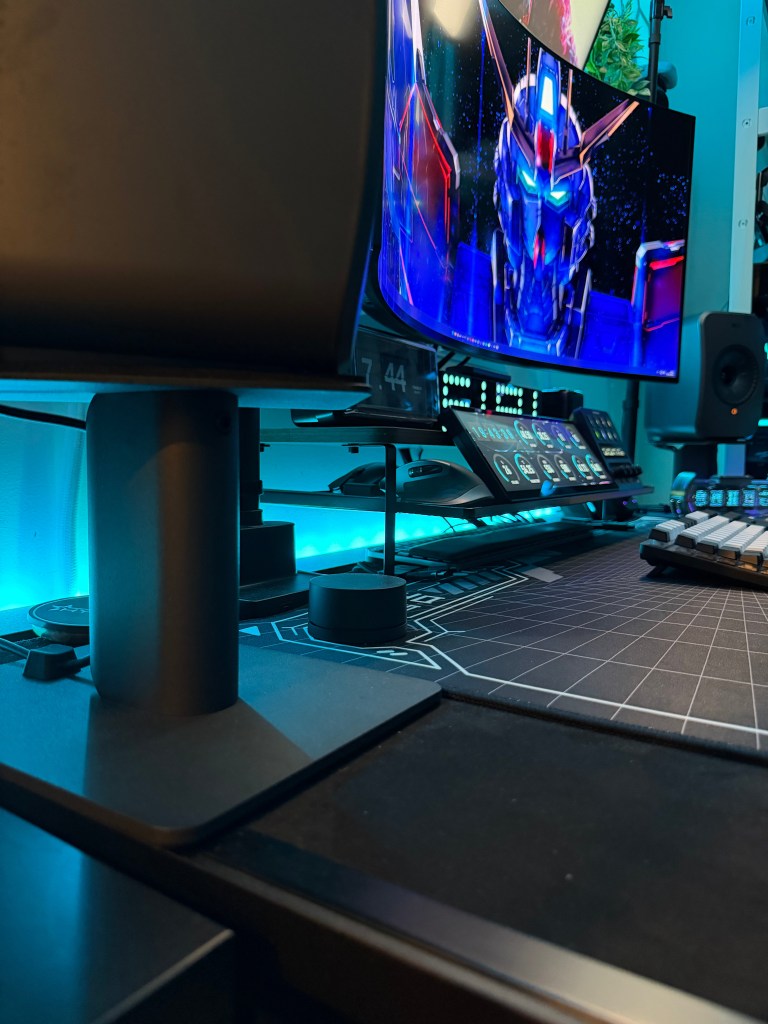
Cable tidy
The fastest way to make any setup look premium. Lock cables in place so nothing sags, drifts, or ruins the clean lines.
- Magnetic cable clips keep cables exactly where you want them
- Velcro ties bundle cables cleanly and make changes easy
- Quick win: anchor the “visible cables” first (mouse, keyboard, audio)
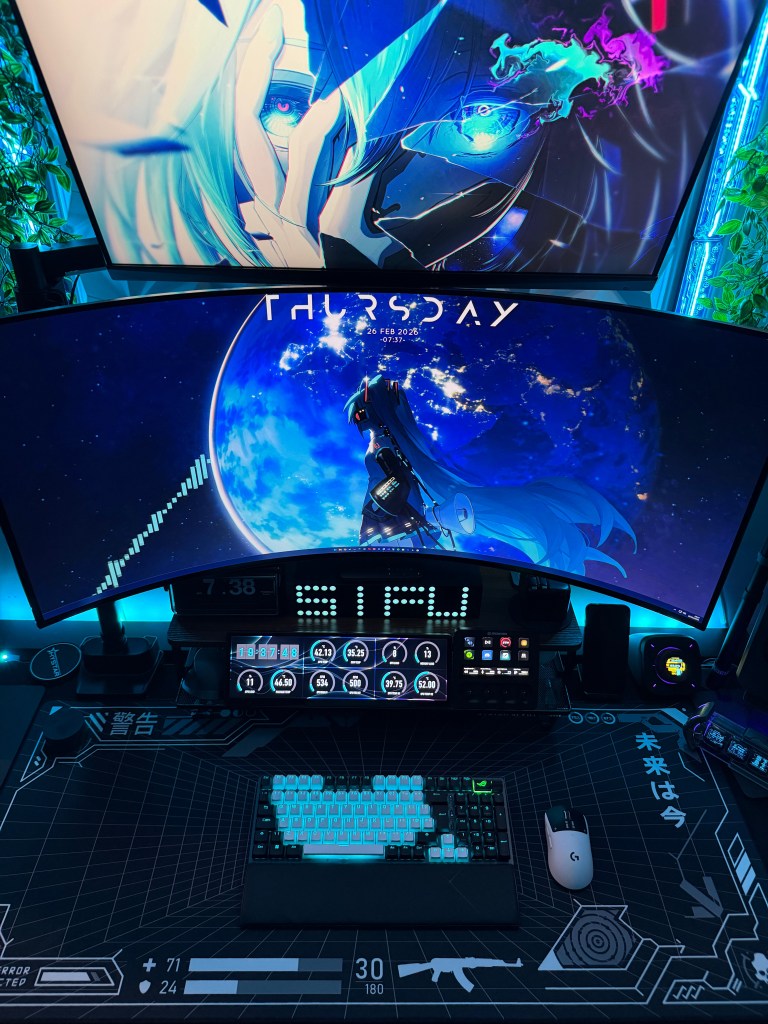
Desk mat
Instantly cleans the look, improves mouse feel, and protects the desk surface. One of the best value upgrades.
- Go large enough for keyboard + mouse (it looks way cleaner)
- Stitched edges last longer and look more premium
- Quick win: match mat colour to your case/desk for a “designed” look
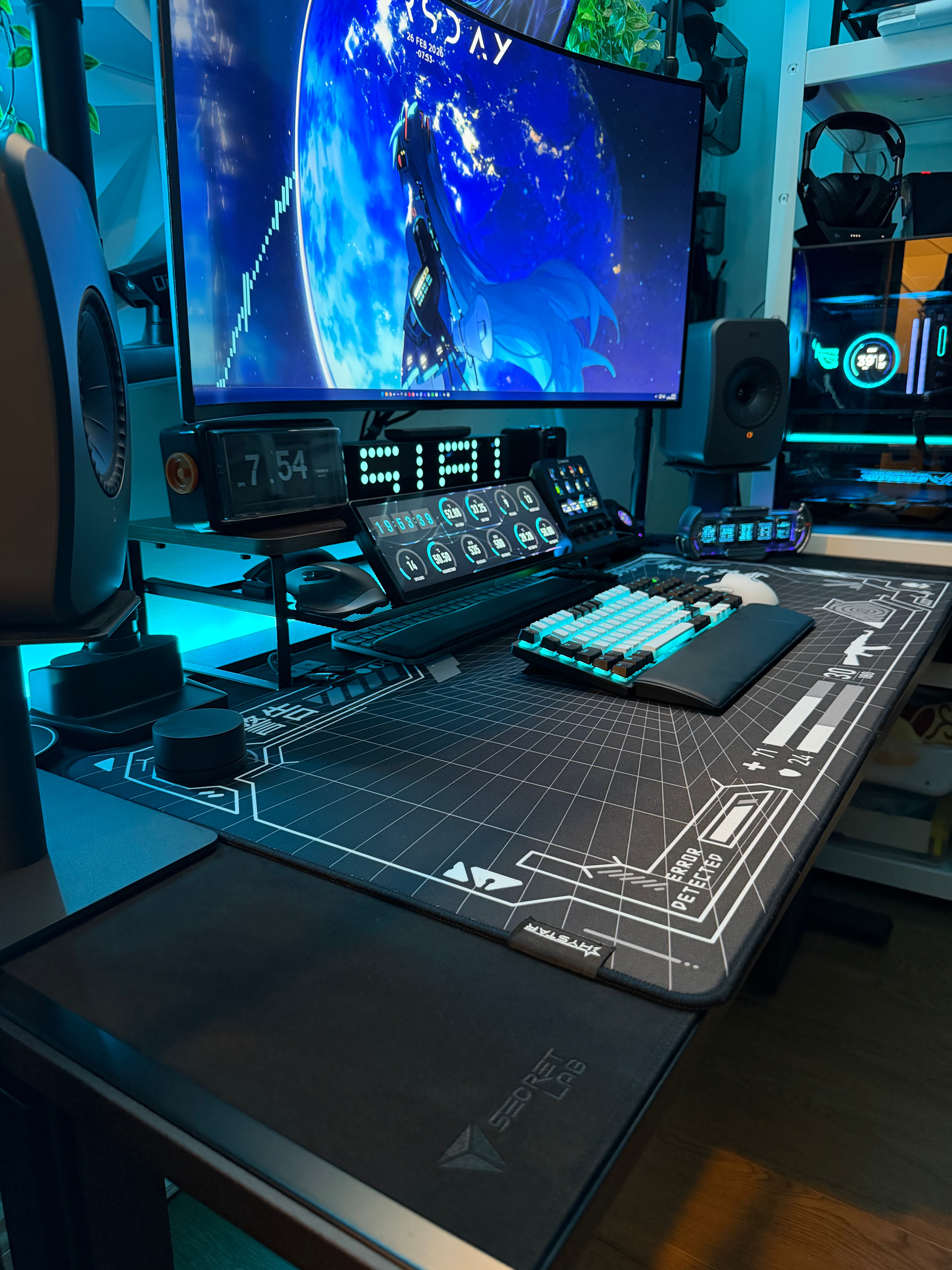
Monitor riser
Better posture, cleaner layout, and extra space underneath for storage. Big “desk upgrade” feel for little money.
- Aim for eye level near the top third of the screen
- Use the space underneath to hide small clutter (controller, hub, notepad)
- Quick win: pick a riser that matches your desk tone
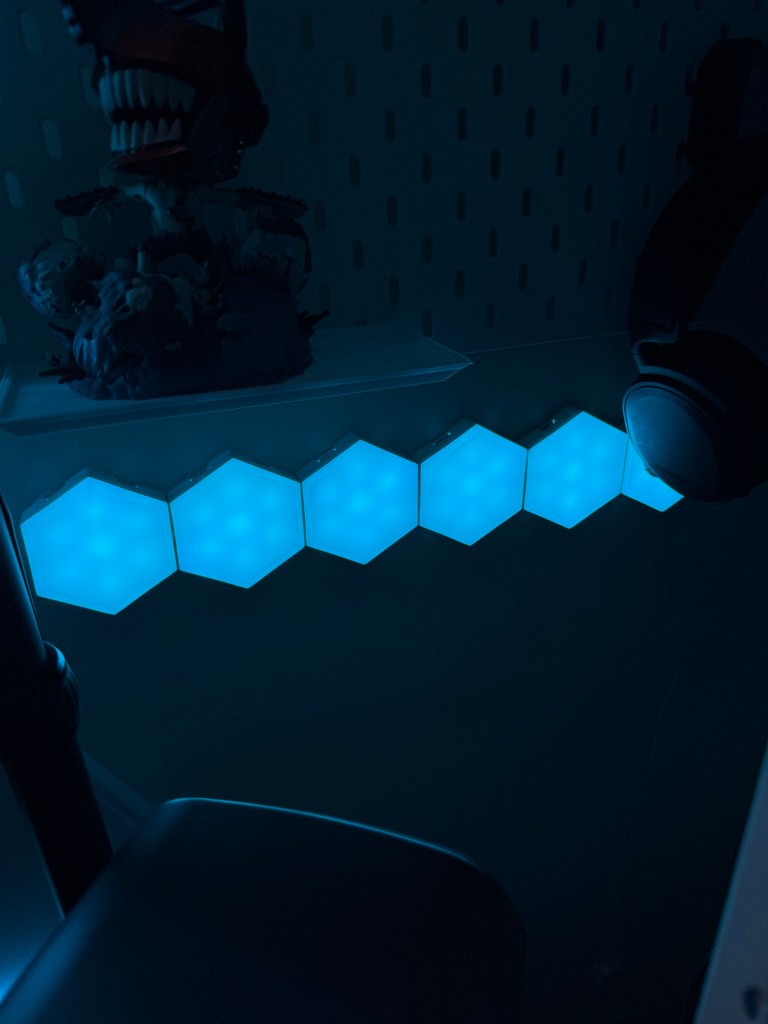
Budget lights
Lighting adds depth instantly and makes any setup look higher-end. You don’t need expensive panels to get a great result.
- LED strip behind the desk/monitor = the biggest impact
- Light bar or small lamp for soft “premium” glow
- Quick win: keep it subtle (glow > spotlight)
Budget upgrades that are worth it
- Magnetic cable clips (anchors cables neatly so they don’t sag or drift)
- Velcro cable ties (bundle cables cleanly, and re-do it fast when you swap gear)
- Desk mat (instant “clean” look + more comfortable day-to-day)
- Simple monitor stand / riser (better posture + space underneath for storage)
- Budget lights (LED strip/light bar/small lamp — adds depth and makes the setup look higher-end)
Shop my budget picks
All the picks from this guide in one place.
Cable tidy
Monitor riser
Budget lights
The best order to do upgrades
- Route and anchor cables (built-in management + magnetic clips + Velcro ties)
- Add a desk mat (instant “clean” look)
- Fix monitor height (simple stand/riser)
- Finish with lighting (budget LEDs or a small lamp for that premium vibe)
Tip: If your setup looks “messy”, it’s almost always cables + too many small items on the desk surface. Anchor the cables first and everything else looks more premium.
 SIFUTECHGAMING